Hero module

This is a demo site for the Avidly theme

Welcome! We've created this site to show you some of the different ways you can use the Avidly theme to build your website. In each module you can read about its specific features. Yeah we know, pretty meta... Enjoy!

This module, you can either use with or without a body text. You can pick a video, an image or simply one of your theme colors as background. You also have the option of adjusting the height of the module. Finally you can have either one, two or no buttons below.

Rich Text module

This is probably our most versatile module

You have a lot of options with this module.  Like the Hero module above you can use it with different backgrounds - color, image or video.  You can adjust how much spacing you want above and below the module, and you can also use the module full width or leave a little space in each side.

You decide how the content is placed within the module - center or left. Oh, and don't confuse placement with alignment, cause that you can edit too to be either centered or left aligned.

As this is a rich text field, you can use custom html  if you really want to play around or embed stuff.

22. januari 2021 Market Analysis for High Tech

Leverage agile frameworks to provide a robust synopsis for high level overviews. Iterative...

Blogger Bobby
Accordion module          ( click the plus -> )

Well done!

You can use this module to present details while keeping the overview.

It comes in handy, e.g. if you want to answer your customers' frequently asked questions.

And you can add as many accordions as you want - if your customers have maaaany questions.

Try clicking the next one.

Read about the module settings

In thise module you can adjust two things, the background color and the module width. The one we've done here is set to page width so it has a nice little spacing on both sides.

Now click the third accordion below this one.

You can use these fields in various ways

As these fields are rich text fields, you can use images or instruction videos for FAQs  - or pretty much anything you can think of.

For instance if you want to brag about being HubSpot partner of the year for the second time in a row. (Yeah sorry, we couldn't help it 😅)


... or if you want to add an image like this one.

aa-quote-image


Read about the Blog Posts module above
Blog Posts module

Ooops, we never introduced the module just above this one. It is automatically showing the three latest blog posts from your blog.

You can adjust the following:
  1. Module Width
  2. Module Spacing - Top
  3. Module Spacing  - Bottom
  4. Background Color
Cards module

In this module you can have two, three or four cards next to each other. This is a rich text field, so you are free to present whatever makes sense to you - image, videos, cute cat gifs etc.

You also have the option to use the image as a background for the whole card with the text on top of it.

Pretty neat, right?

These cards are actually buttons

And as with every button in this theme, you can choose if the link should direct to:

  • Any external URL
  • Any of your own pages
  • A file
  • An email address 
  • Or your blog

... and of course you have the usual options to adjust module width, spacing and background color.
Now, how about that cute cat gif?

Columns module

Add as many rows as you want

In this module you can display multiple points down the page. You can add as many as you want.

Want to begin with the image to the left? No problem, you can choose this too. And if you want spacing between the rows, you can do that as well.

A subheading can elaborate

This is a heading and can be in multiple lines

But I must explain to you how all this mistaken idea of denouncing pleasure and praising pain was born and I will give you a complete account of the system, and expound the actual teachings.
A subheading can elaborate

This is a heading and can be in multiple lines

But I must explain to you how all this mistaken idea of denouncing pleasure and praising pain was born and I will give you a complete account of the system, and expound the actual teachings.

Focus box module

This is a heading and can be in multiple lines

But I must explain to you how all this mistaken idea of denouncing pleasure and praising pain was born and I will give you a complete account of the system, and expound the actual teachings.
A subheading can elaborate

This is a heading and can be in multiple lines

But I must explain to you how all this mistaken idea of denouncing pleasure and praising pain was born and I will give you a complete account of the system, and expound the actual teachings.

A subheading can elaborate

But I must explain to you how all this mistaken idea of denouncing pleasure and praising pain was born and I will give you a complete account of the system, and expound the actual teachings.

Rich Text module (again...)

About the two modules below

We reused this module to be able to explain the two modules below.

We did center the content though, to spice it up a little.

Image module

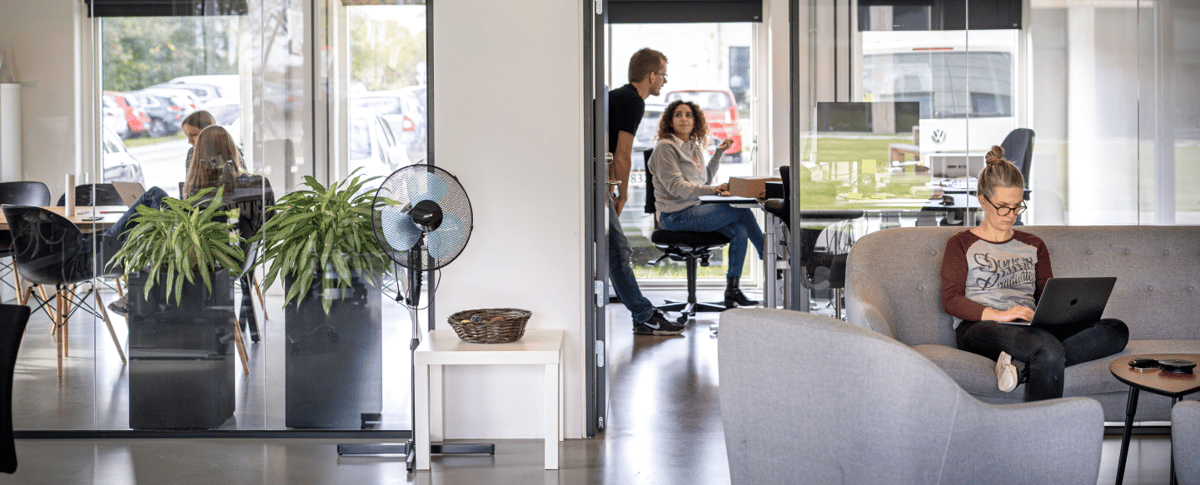
A simple module containing just an image. You can change the width of the module (e.g. if the background color continues to the edge or stops at page width), how wide the image should be, spacing in top and bottom as well as the background color.

Video module

Again, a fairly simple module for one of your videos. You can adjust spacing in top and bottom as well as the width. Furthermore, you can upload a thumbnail image, choose if the video should autoplay or not, if the video should loop, and if the video controls should show or not.